The Shift from Paper Slips to WhatsApp Invoicing
Today, almost every customer in India carries a smartphone with WhatsApp. Handing over flimsy paper slips often leads to lost receipts, faded thermal ink, or customer disputes. By sending PDF invoices directly to a customer's WhatsApp number, shopkeepers provide an instant digital record that customers can save forever.
Benefits of Sending WhatsApp PDF Invoices
- Zero Paper Cost: Save money on paper rolls and printed bill books.
- Professional Impression: Clean, branded PDF receipts build trust with modern buyers.
- Built-in Digital Audit: Both you and your customer have timestamped proof of transaction.
- Easy Re-Ordering: Customers have your shop contact info saved directly in their chat list.
How Stellar Forge Billing Simplifies WhatsApp Billing
With traditional billing software, sending a WhatsApp bill required exporting a PDF, saving it to your device storage, finding the customer in your contacts, and manually attaching the document. This took over 2 minutes per customer!
With Stellar Forge Billing, you type the customer's phone number, tap 'Send on WhatsApp', and the pre-formatted PDF receipt is dispatched in under 10 seconds.
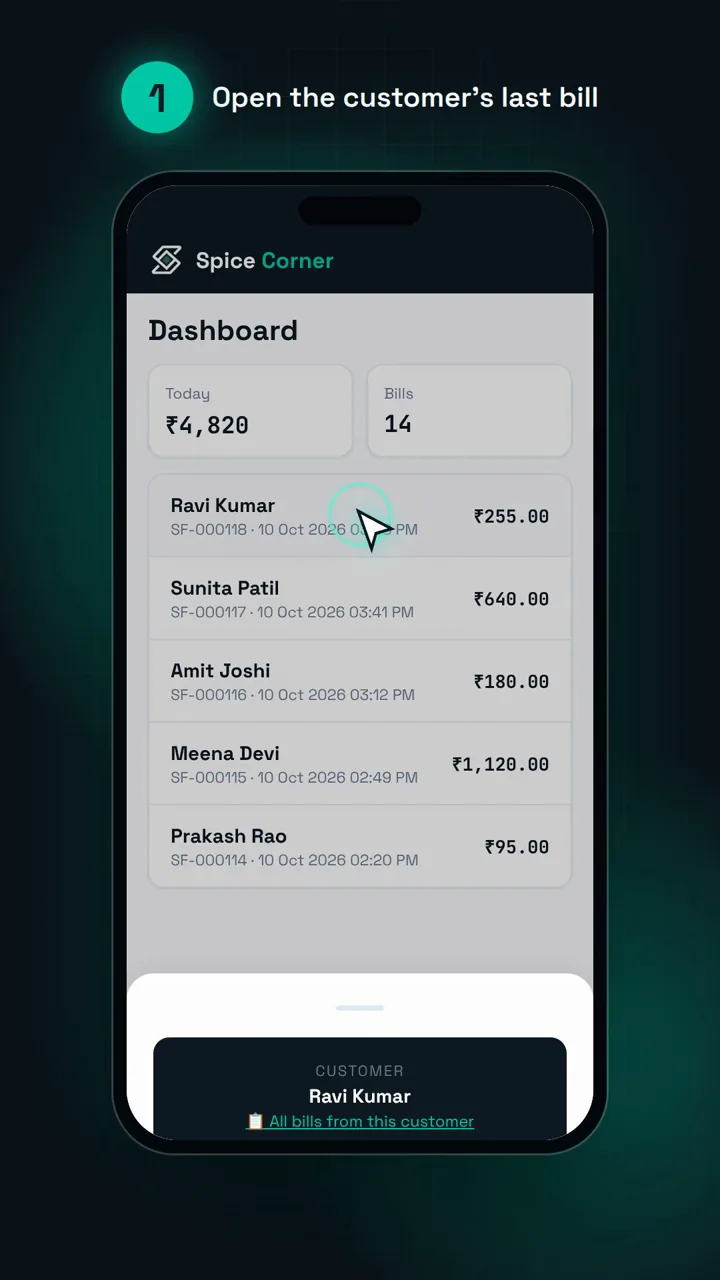
Step-by-Step: Sending a Bill on WhatsApp
- Open Stellar Forge Billing on your phone.
- Add the items purchased and enter the customer's mobile number.
- Tap Save Bill and hit the green WhatsApp button.
- WhatsApp opens automatically with the receipt PDF and a polite thank-you message ready to send!
Ready to simplify your shop operations?
Start your 15-day free trial on Stellar Forge Billing. Works straight from your phone browser with no credit card required.
Create Your First WhatsApp Bill →